This article describes how to change the name, contact person, and other site information.
In SiD terms, a "site" is a distinct fiscal entity that receives ABE funding and handles staff hiring, etc.
Users can edit, but not add a new site.
Users must have Admin level login privileges to edit sites.
How to edit an existing site
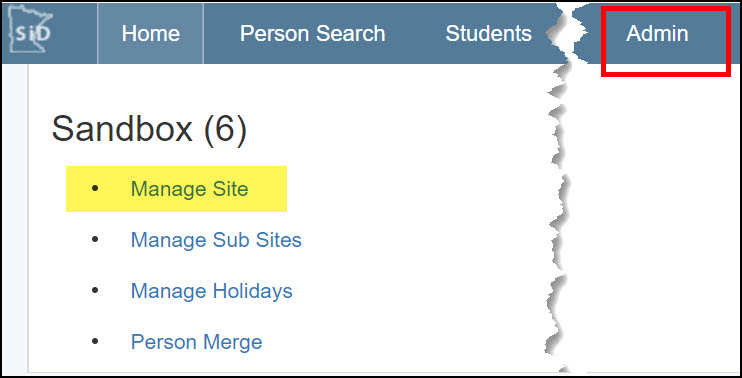
- Click the Admin tab. Then click "Manage Site."
- Review the existing site details.
Change the name of the site, the primary contact person, site main office, and other related info.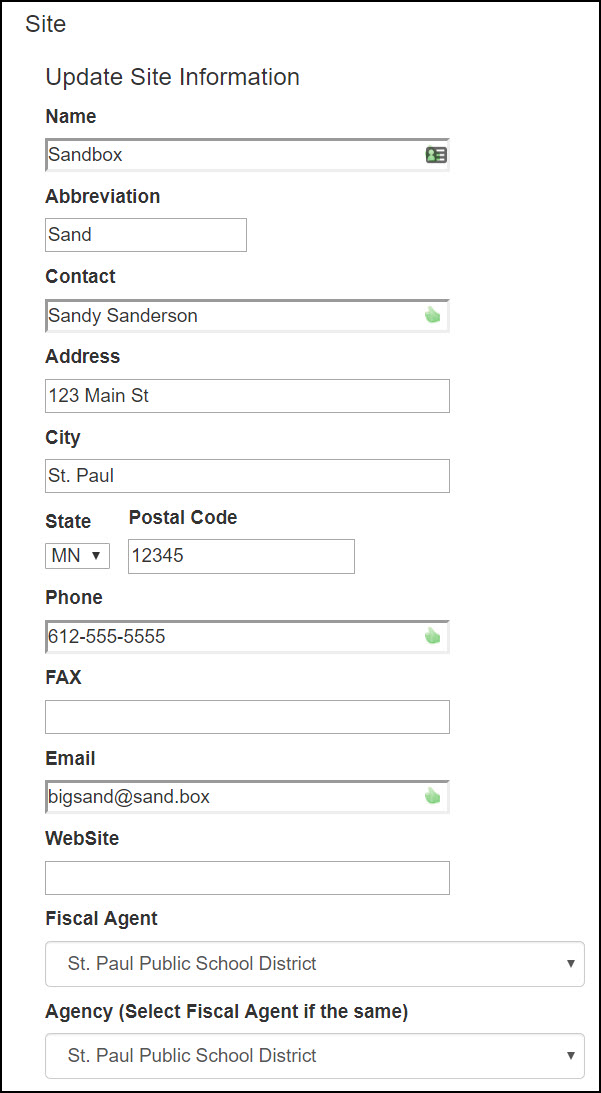
- When finished, click the blue Save Changes button at the bottom of the screen.
0 Comments