You can change your login password at any time by following the same steps as resetting a forgotten password.
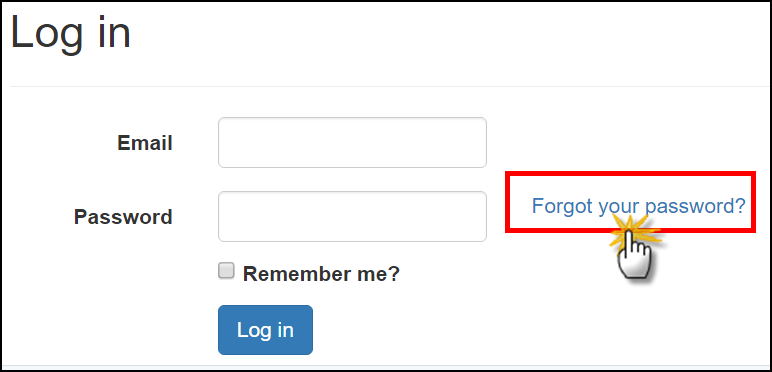
- On the login screen, click the Forgot Your Password button.
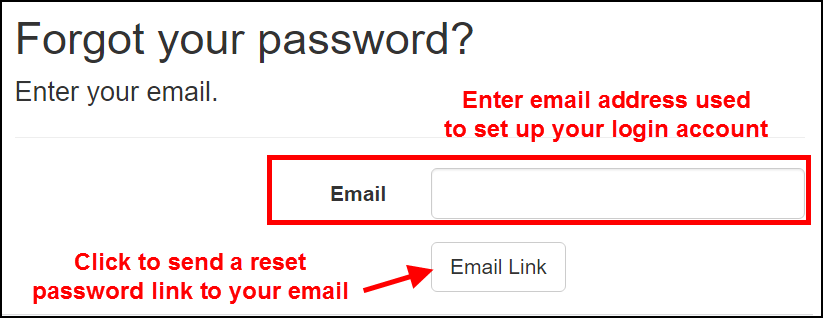
- On the next screen, type the email address that was used to set up the account in the database. Then click the Email Link button.
- The next screen will prompt you to check your email to reset the password.
- Check your inbox at the email address that was used to set up your account in the database. Click the link in the email to reset your password.
0 Comments