SiD has protection against unauthorized account logins. When 5 consecutive incorrect login attempts are made, the account is locked out. The following message appears:
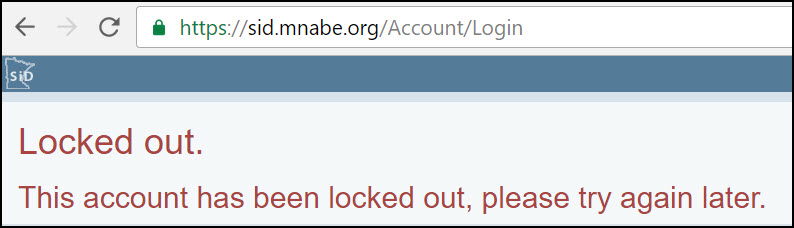
When this message appears, wait 15-30 minutes. Then try logging in again. (The password is case sensitive. Is your caps lock on?)
If you still can't log in, choose one of the following, more radical options.
Best practice when STAFF are locked out:
The staff person should notify their data coordinator (a staff member with admin level privileges). The admin person will then remove the existing staff account, then recreate it. This will kick off the whole email confirm and password set process -- and reset any of the lockout data.
Click here for info about how to remove and set up staff accounts.
Best practice when the DATA COORDINATOR is locked out:
If you are the admin person, you cannot reset your own account. Email sidsupport@literacymn.org. We'll remove your existing account and recreate it for you.
Not locked out but forgot your password? Click here to learn how to reset your own password.
0 Comments